Friday, June 29, 2012
Kubuntu 12.10 Alpha 2 Screenshot Tour
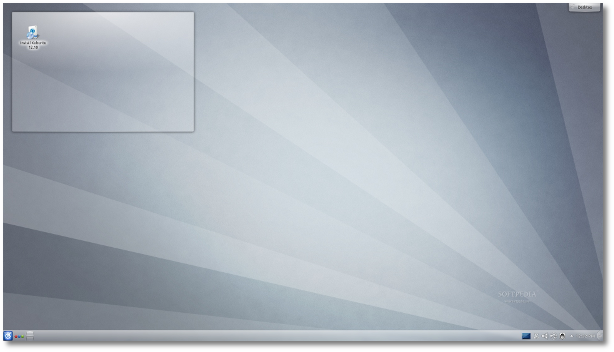
Canonical released today, June 28th, the second Alpha version of the upcoming Kubuntu 12.10 (Quantal Quetzal)8 operating system.
Dubbed Quantal Quetzal, Kubuntu 12.10 Alpha 2 is powered by Linux kernel 3.5 and is built on top of the KDE Software Compilation 4.9 Beta 2 desktop environment.
The second Alpha of Kubuntu 12.10 (Quantal Quetzal) is distributed as Live DVD/USB (Desktop and Alternate) ISO images for the 32-bit, 64-bit and PowerPC architectures.
Enjoy the screenshot tour of Kubuntu 12.10 (Quantal Quetzal) Alpha 2, and also take a look at the Ubuntu 12.10 Alpha 2 screenshot tour and our in-depth announcement.
Download Kubuntu 12.10 Alpha 2
Ubuntu 12.10 Alpha 2
Kate Stewart has announced the availability of the second alpha release of Ubuntu 12.10, code name "Quantal Quetzal": "Welcome to the Quantal Quetzal Alpha 2 image set, which will in time become the 12.10 release. Quantal alpha 2 includes the 3.5.0-2.2 Ubuntu kernel which was based on the 3.5-rc4 upstream Linux kernel. Other notable changes with the Quantal alpha 2 kernel include a rework of the brcmsmac regulatory support, an extensive config review for the highbank kernel flavor, and misc bug fixes. The Quantal alpha 2 kernel continues to include the transitioning of the i386 generic PAE flavor to become the generic flavor offering, collapsing of the virtual flavor back into the generic flavor." Read the release announcement and release notes for more information. Download (SHA256): quantal-desktop-i386.iso (727MB, torrent), quantal-desktop-amd64.iso (725MB, torrent). Also made available today were CD/DVD images for Kubuntu (download), Lubuntu (download), Xubuntu (download), Edubuntu (download) and Ubuntu Studio (download).
Lockdown: The new kickass Gnome App!
The highly anticipated mechanism which is used to bar Gnome users from performing certain actions is on the way, and its name is Lockdown.
In a worldwide premiere we present you the very first tentative design :)
I was obviously joking with “worldwide premiere” but I was pretty serious about the highly anticipated. While Lockdown seems to be a product that targets in corporate environments, at the same time could be an excellent parent control tool, that can protect your kids from illegal actions or preserve them to access undesirable material.

By creating a new user account we have two options, Admin or Standard User. Setting parent control tools on a Standard Account is something that requires the knowledge to do it, but most importantly requires the knowledge to think that we can do it.
What if in Gnome there was a third option.. A “Child Account” ? This would immediate make us to think, “hmm I have a kid, so I should pick that one” and right away an invisible mechanism would be activated and taking care all these actions to verify that our kid will stay safe from unwanted operations. That is pretty much what Lockdown is about, cool huh ?

Of course Lockdown can serve many more scenarios by pre-configuring certain aspects of the Desktop
- single purpose kiosk (eg. museum or library information point)
- internet access point
- classroom
- enterprise workstation
- children computer
There will be a dconf profile for each account type and accounts could be overridden by the user. Polkit will be the toolkit responsible for granting access to applications and other options of every account type except the admin.
Rūdolfs Mazurs the designer of Lockdown together with Ryan Lortie and AllanDay says:
“If there is no appropriate account type or admin wants to review existing one, selecting More… will open the profile editor (so far the perceived editor is the pessulus next incarnation). The problem here is that pessulus is inherently a specific configuration editor, but the account type would suggest that this is a universal configuration tool. Maybe calling it Lockdown profiles… instead of More… would lessen the confusion.”
This App might not be so fancy and anticipated as the also upcoming Gnome Software Center but it is really useful, isn’t it?
Gnome Power Off latest re-design
Can a Power Off button bring so many discussions up? Apparently it can, after all we are talking about the still controversial Gnome Shell. Today we’ ll show you the latest Power Off Menu tentative design from Allan Day.
And here it is..

Some observations:
- ‘Lock’ is a better term than ‘Screen Lock’ (since it affects more than just the screen)
- Suspend is typically activated by closing the lid on a laptop or with a power button on a tablet
- The power button on desktop machines isn’t always easily accessible
- Log out and switch user don’t make sense to people on single user systems (what are they logging out of, exactly?)
- Suspending a system doesn’t typically involve using the user menu:
Laptops – you close the lid
Desktops – leave it to go to sleep
Tablets – press the hard button
Further notes:Desktops – leave it to go to sleep
Tablets – press the hard button
There isn’t something to add, Allan is pretty much clear about the new design that is still under progress and not final. What I want to emphasize is what Gnome developer Colin Walters said:
“Remember the recommended way to shut down GNOME 3 is to log out, and then shut down from the login screen; the Alt key is more of a hidden easter egg.”
That came as answer on Paul Burnham who proposed a solution for keyboard-less devices (ie tablets) :
“Another suggestion would be to determine if a physical keyboard is present, and if not display both “Suspend” AND “Power Off” menu items.”
Yeap you have to Logout before you Shutdown your device because you may have running processes, opened programs etc.

This issue has been solved as you can see on the above image, but I am just emphasize the semantic significance of Logout before Shut Down. Speaking of semantic differences you can also check out the difference between Login and Lock screen.
Quake Live – Play Quake on Ubuntu
Since Quake Live is a browser based game it will work for most operating systems including Ubuntu/Linux. The best part of this is its free to play and there are actually a bunch of players online unlike some games that have some great potential but not nearly enough players to be worth downloading (Not the developers fault, just not enough people know about them?).
QUAKE LIVE is a new and innovative multiplayer game experience from id Software – the creators of DOOM, WOLFENSTEIN and QUAKE – that offers players of all skill levels an easily accessible multiplayer game and community through a single website. The game can be played totally free, though there are paid subscriptions with even more features and play modes available. For more details on the great additional features of a paid subscription, please follow this link. Every element of the QUAKE LIVE experience, from finding and playing games to post match stats review and social networking are delivered through a single state-of-the-art website.
Ubuntu 12.10 Alpha 2 Has Linux Kernel 3.5
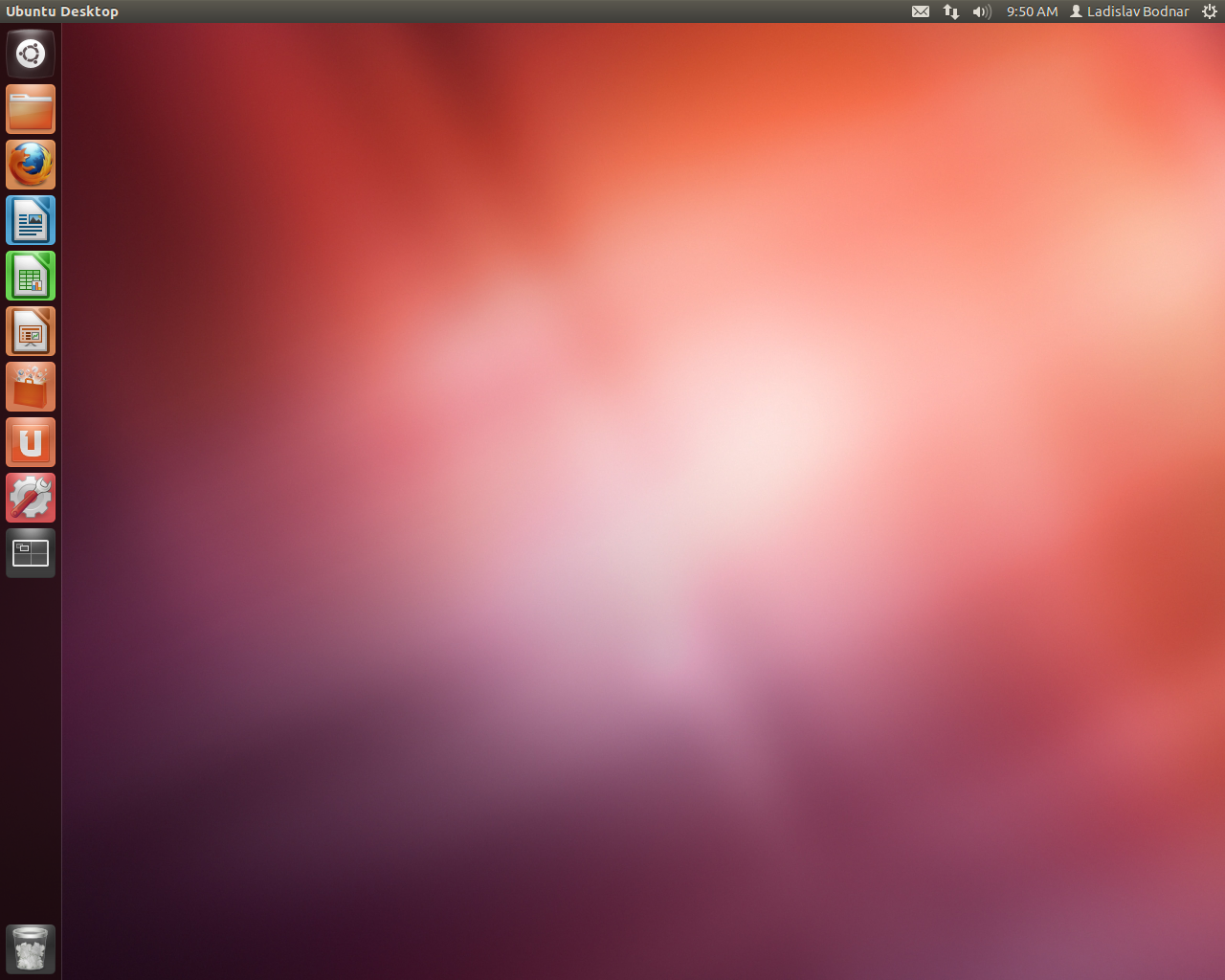
What's new in Ubuntu 12.10 Alpha 2? Well, Ubuntu 12.10 Alpha 2 is now powered by the Linux kernel 3.5.0-2.2 packages, based on the Linux 3.5 RC4 kernel upstream release, and the latest development version of the upcoming GNOME 3.6 desktop environment.
The following important filesystem utilities have been updated in Ubuntu 12.10 Alpha 2: e2fsprogs 1.42.4, mdadm 3.2.5, autofs 2012-06-01, and btrfs-tools 2012-03-28. Also, there's now a new version of the ATI video driver.
Moreover, the Mozilla Firefox 14.0 Beta web browser and Mozilla Thunderbird 14.0 Beta email client were added in this development release of Ubuntu 12.10. For more details take a look at the Ubuntu 12.10 Alpha 2 screenshot tour!
![]() |
| Kubuntu 12.10 Alpha 2 |
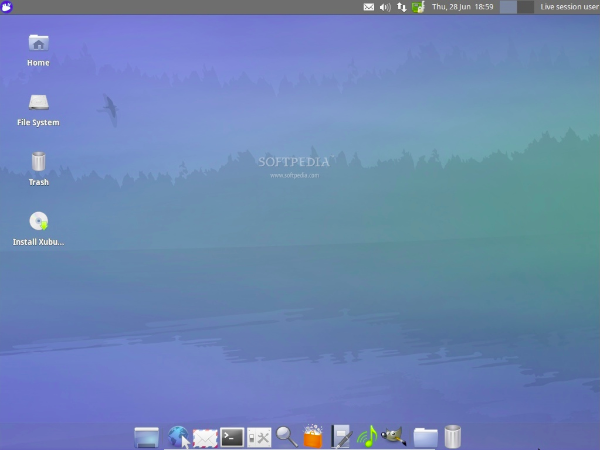
What's new in Xubuntu 12.10 Alpha 2? Well, the second Alpha version of Xubuntu 12.10 is built on top of the Xfce 4.10 desktop environment. It includes GIMP 2.8 and gThumb 3.0.1.
![]() |
| Xubuntu 12.10 Alpha 2 |
On October 18th, 2012, Ubuntu 12.10 (Quantal Quetzal) will become the seventeenth release of the Ubuntu operating system. See you again in one month, on July 26th, for the third and last Alpha release of the upcoming Ubuntu 12.10 (Quantal Quetzal).
Download Ubuntu 12.10 Alpha 2
Subscribe to:
Posts (Atom)