Showing posts with label Wallpapers. Show all posts

Tuesday, January 29, 2013

Install Live Wallpaper in Ubuntu 12.10 Desktop


This simple and brief tutorial is going to show you a simple tool that replace your boring default wallpaper with a completely animated OpenGL wallpaper. Livewallpaper replaces your current wallpaper with an animated wallpaper. At the moment you can choose between the following live wallpapers:
  • Galaxy
  • Nexus
  • Noise
  • Photoslide
Install Live Wallpaper using PPA:
Hit Ctrl+Alt+T to open up a terminal, then run following 3 commands to install livewallpaper in Ubuntu 12.10 & 12.04:
sudo add-apt-repository ppa:fyrmir/livewallpaper-stable
sudo apt-get update
sudo apt-get install livewallpaper livewallpaper-config livewallpaper-indicator
After installation, launch livewallpaper from Unity Dash and you get the animated desktop. Launch livewallpaper-config or indicator to switch and configure wallpapers.


Friday, August 31, 2012

More Nice GTK3 Themes For Unity And Gnome Shell - Ubuntu 12.04/11.04/Linux Mint 13 (Maya)


Today we will introduce three GTK3 themes for Ubuntu/Linux Mint that can be used with Unity or Gnome Shell. These themes will help you beautify your desktop and give your system a good impression for those who may see it. We have already covered many GTK+ themes for Ubuntu, you can find them here.

To be able to install these themes, you need first to add our PPA with these two commands:

sudo add-apt-repository ppa:upubuntu-com/gtk3
sudo apt-get update

Note: You can either use MyUnity or GNOME Tweak Tool to enable these themes or use simply the terminal commands given with each theme below.

1. MIUIv4+


To install MIUIv4+ on Ubuntu 12.10/12.04/11.10 and Linux Mint 13 (Maya), open the terminal and issue this command:

sudo apt-get install miui-gtk3

gsettings set org.gnome.desktop.interface gtk-theme 'MIUI+'

gconftool-2 --set --type string /apps/metacity/general/theme 'MIUI+'

2. Autumn GTK3 Theme


sudo apt-get install autumn-gtk3

gsettings set org.gnome.desktop.interface gtk-theme 'Autumn'

gconftool-2 --set --type string /apps/metacity/general/theme 'Autumn'

3. Violet GTK3 Theme


sudo apt-get install violet-gtk

gsettings set org.gnome.desktop.interface gtk-theme 'Violet'

gconftool-2 --set --type string /apps/metacity/general/theme 'Violet'

Theme sources:

- MIUIv4+
- Autumn GTK3 Theme
- Violet GTK3 Theme

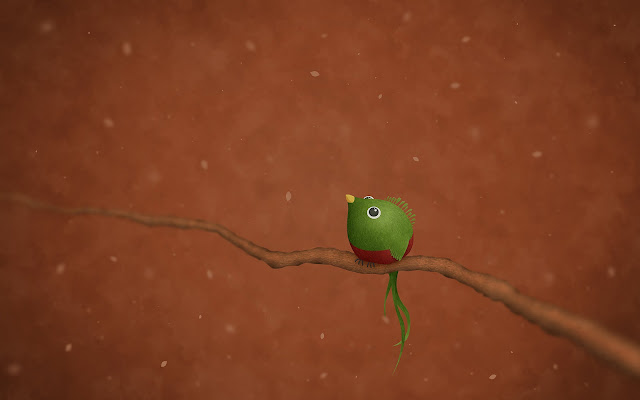
Ubuntu 12.10 Quantal Quetzal Community Wallpapers Revealed


The package that comes with the winning wallpapers for the Quantal wallpaper contest has just uploaded to the Ubuntu 12.10 Quantal Quetzal repositories.

Here are the 12 winning wallpapers:


If you're not using  Ubuntu 12.10, you can download the wallpapers from HERE (deb - you don't have to install it, you can simply extract it), or, you can download all the Ubuntu community wallpapers from Ubuntu Karmic to Quantal.

Saturday, June 30, 2012

Various HD Wallpapers


Saturday, June 16, 2012