Thursday, March 28, 2013
Pardus Linux 2013
Pardus Linux 2013 has been released. This is the first stable release of the "new" Debian-based Pardus Linux with GNOME and KDE desktops, currently available in Turkish only. From the release announcement: "Pardus 2013 Corporate is released and available in four flavors. GNOME (x86, amd64) and KDE (x86, amd64). Currently the distribution is only available in Turkish, but this situation will change in the future. Pardus 2013 has many new features inside out. First and most important, Pardus is now based on Debian 'Wheezy' and built using tools provided by the debian-live project. Other features include but not limited to: installable live images for peaceful exploration; integrated and simplified installer for easy installation; Firefox 17esr and Thunderbird 17esr for stable internet experience; complete multimedia tools for hassle-free multimedia experience." Download (MD5) from here: pardus_kurumsal_2013_kde_64bit_tr.iso (1,709MB, MD5), pardus_kurumsal_2013_gnome_64bit_tr.iso (1,472MB, MD5).
Tuesday, March 26, 2013
antiX 13 Beta 2
The second development build of antiX 13, a lightweight Debian-based distribution designed to run fluently on older computers, is ready for testing: "antiX 13 beta2 full ISO images available for testing in 32-bit and 64-bit variants. Features: 3.6.11 antiX kernel for the 32-bit flavour and 3.7.10 antiX kernel for the 64-bit flavour; the 3.8.4 antiX kernel available in the repository for those who want or need a more up-to-date version; dist-upgrade on 24 March 2013. Most work since beta 1 has focused on customising the live boot menu to include a whole range of boot options via Fn keys: chosen boot parameters can be customised and saved on writable media; the versions of applications shipped come from the Debian 'Testing' repository; latest Iceweasel browser and LibreOffice versions are available via the meta-package installer...." Visit the news section on the project's Wiki pages to read the release announcement. Download: antiX-13-beta2-pt1_x64-full.iso (693MB, MD5), antiX-13-beta2-pt1_386-full.iso (693MB, MD5).
Friday, March 22, 2013
ClearOS 6.4.0 Beta 2 "Community"
Peter Baldwin has announced the release of the second beta of ClearOS 6.4 "Community" edition, a CentOS-based server, network and gateway operating system designed for homes, hobbyists and small organisations: "ClearOS Community 6.4.0 Beta 2 has arrived. Along with the usual round of bug fixes and enhancements, this release introduces a new reports engine, a storage manager, an anti-malware file scanner, RADIUS, a basic POP/IMAP server, mail retrieval (Fetchmail) as well as upstream proxy support. Over the last few weeks, there was a lot of focus on squashing bugs and improving little usability issues. From the modernized installer to the easy to use Marketplace, ClearOS 6 has matured to be our best offering. It's not only the core platform that has had a facelift, but also the individual apps and solutions. For example, Zarafa's solution with two great webmail interfaces, Outlook support, and out-of-the-box mobile synchronization." See the release announcement and release notes for further details. Download (MD5): clearos-community-6.4beta2-x86_64.iso (666MB).
Slackel 2.0 "Openbox"
Dimitris Tzemos has announced the release of Slackel 2.0 "Openbox" edition, a lightweight desktop Linux distribution based on Slackware's "Current" branch: "Slackel Openbox 2.0 has been released. Slackel is based on Slackware and Salix. It uses the excellent Salix tools and Salix packages. A collection of two Openbox ISO images are immediately available, including 32-bit and 64-bit installation images that can be burned to a CD. Slackel Openbox 2.0 includes the current tree of Slackware and Openbox 3.5.0 accompanied by a very rich collection of software. Linux kernel is 3.7.10. The Midori 0.4.8 web browser, Claws-Mail 3.8.1 and Transmission are the main networking applications included in this release. SpaceFM is the file manager. It comes also with OpenJRE 7u9, Rhino, Icedtea-web, Pidgin and gFTP." Read the rest of the release announcement for more information. Download (MD5): slackel64-openbox-current-2.0.iso (617MB) slackel-openbox-current-2.0.iso (677MB).
Wednesday, March 20, 2013
Install Distro-Clock-Conky in Ubuntu/Linux Mint/Debian
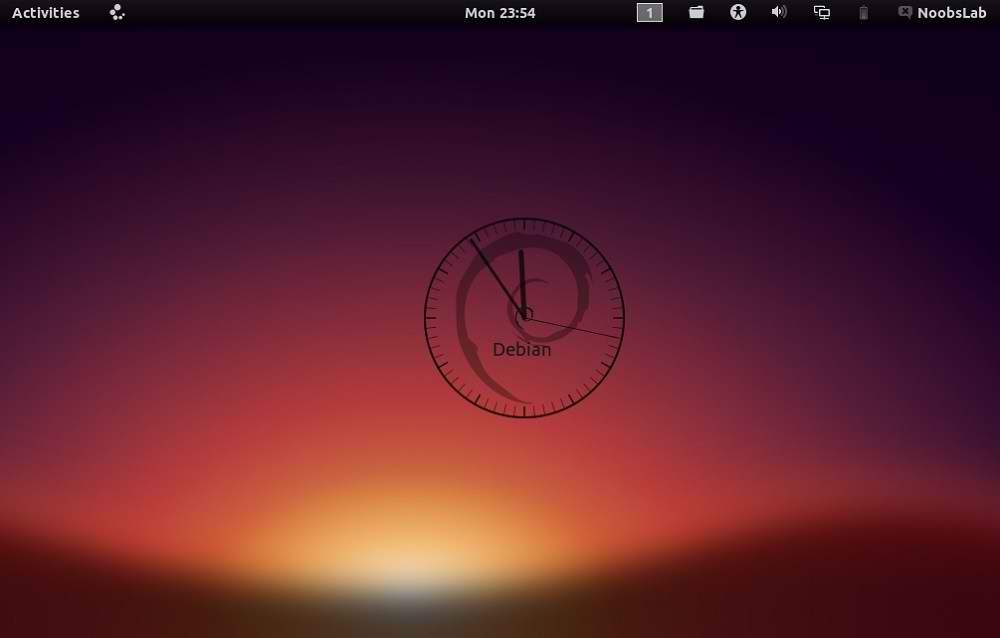
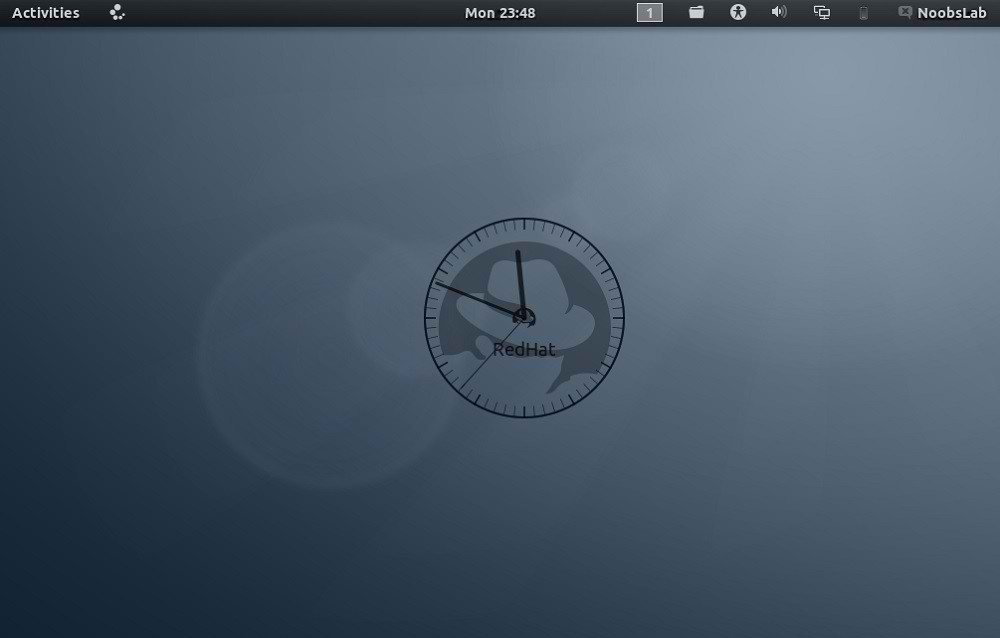
Ubuntu-nsClock Conky make by Laabiyad Abderrahim, It looks awesome on desktop. This conky was only available with Ubuntu logo but NoobsLab made available logo Mint, Linux, Fedora, Red-hat Gentoo, open-SUSE Debian, and Arch. It is available for all desktop environments like Gnome Shell, Unity, Cinnamon, and others. It shows Distribution logo and current PC time as Analogue clock. Also checkout conky collection.
Install Conky in Ubuntu/Linux Mint open terminal (Press Ctrl+Alt+T) and copy the following commands in the Terminal:
- sudo apt-get install conky conky-all
First of all Download Startup script with following commands:
Now open Startup Applications > click Add > New Dialog box will open click on Browse > Now (Press Ctrl+H) see following screenshot.
- cd && wget -O .start-conky http://goo.gl/6RrEw
- chmod +x .start-conky
Note: This Conky Widget won't work in Ubuntu 12.10/13.04/Linux Mint 14
1: Ubuntu Clock Conky
To install Ubuntu-clock-conky in Ubuntu/Mint open Terminal (Press Ctrl+Alt+T) and copy the following commands in the Terminal:
>> For (Gnome Shell, Cinnamon)
>> For (Unity, Gnome Classic, Mate, and Others)
- cd && wget -O ubuntu-noobslab-gs.zip http://goo.gl/625cJ
- unzip ubuntu-noobslab-gs.zip && rm ubuntu-noobslab-gs.zip
- cd && wget -O ubuntu-noobslab-u.zip http://goo.gl/60oSk
- unzip ubuntu-noobslab-u.zip && rm ubuntu-noobslab-u.zip
2: Linux Clock Conky
To install Linux-clock-conky in Ubuntu/Mint open Terminal (Press Ctrl+Alt+T) and copy the following commands in the Terminal:
>> For (Gnome Shell, Cinnamon)
>> For (Unity, Gnome Classic, Mate, and Others)
- cd && wget -O linux-noobslab-gs.zip http://goo.gl/1Io6z
- unzip linux-noobslab-gs && rm linux-noobslab-gs
- cd && wget -O linux-noobslab-u.zip http://goo.gl/5coFn
- unzip linux-noobslab-u.zip && rm linux-noobslab-u.zip
3: Debian Clock Conky
To install Debian-clock-conky in Ubuntu/Mint open Terminal (Press Ctrl+Alt+T) and copy the following commands in the Terminal:
>> For (Gnome Shell, Cinnamon)
>> For (Unity, Gnome Classic, Mate, and Others)
- cd && wget -O debian-noobslab-gs.zip http://goo.gl/St6y2
- unzip debian-noobslab-gs.zip && rm debian-noobslab-gs.zip
- cd && wget -O debian-noobslab-u.zip http://goo.gl/X3ro2
- unzip debian-noobslab-u.zip && rm debian-noobslab-u.zip
4: Linux Mint Clock Conky
To install Linux-Mint-clock-conky in Ubuntu/Mint open Terminal (Press Ctrl+Alt+T) and copy the following commands in the Terminal:
>> For (Gnome Shell, Cinnamon)
>> For (Unity, Gnome Classic, Mate, and Others)
- cd && wget -O mint-noobslab-gs.zip http://goo.gl/fHhTv
- unzip mint-noobslab-gs.zip && rm mint-noobslab-gs.zip
- cd && wget -O mint-noobslab-u.zip http://goo.gl/G1rBO
- unzip mint-noobslab-u.zip && rm mint-noobslab-u.zip
5: Fedora Clock Conky
To install Fedora-clock-conky in Ubuntu/Mint open Terminal (Press Ctrl+Alt+T) and copy the following commands in the Terminal:
>> For (Gnome Shell, Cinnamon)
>> For (Unity, Gnome Classic, Mate, and Others)
- cd && wget -O fedora-noobslab-gs.zip http://goo.gl/Sskvl
- unzip fedora-noobslab-gs.zip && rm fedora-noobslab-gs.zip
- cd && wget -O fedora-noobslab-u.zip http://goo.gl/C3ZHl
- unzip fedora-noobslab-u.zip && rm fedora-noobslab-u.zip
6: Arch Clock Conky
To install Arch-clock-conky in Ubuntu/Mint open Terminal (Press Ctrl+Alt+T) and copy the following commands in the Terminal:
>> For (Gnome Shell, Cinnamon)
>> For (Unity, Gnome Classic, Mate, and Others)
- cd && wget -O arch-noobslab-gs.zip http://goo.gl/Zx6Bj
- unzip arch-noobslab-gs.zip && rm arch-noobslab-gs.zip
- cd && wget -O arch-noobslab-u.zip http://goo.gl/xmD9T
- unzip arch-noobslab-u.zip && rm arch-noobslab-u.zip
7: Gentoo Clock Conky
To install Gentoo-clock-conky in Ubuntu/Mint open Terminal (Press Ctrl+Alt+T) and copy the following commands in the Terminal:
>> For (Gnome Shell, Cinnamon)
>> For (Unity, Gnome Classic, Mate, and Others)
- cd && wget -O gentoo-noobslab-gs.zip http://goo.gl/GluyG
- unzip gentoo-noobslab-gs.zip && rm gentoo-noobslab-gs.zip
- cd && wget -O gentoo-noobslab-u.zip http://goo.gl/3S2wu
- unzip gentoo-noobslab-u.zip && rm gentoo-noobslab-u.zip
8: openSUSE Clock Conky
To install openSUSE-clock-conky in Ubuntu/Mint open Terminal (Press Ctrl+Alt+T) and copy the following commands in the Terminal:
>> For (Gnome Shell, Cinnamon)
>> For (Unity, Gnome Classic, Mate, and Others)
- cd && wget -O opensuse-noobslab-gs.zip http://goo.gl/HwdQn
- unzip opensuse-noobslab-gs.zip && rm opensuse-noobslab-gs.zip
- cd && wget -O opensuse-noobslab-u.zip http://goo.gl/C2jmr
- unzip opensuse-noobslab-u.zip && rm opensuse-noobslab-u.zip
9: RedHat Clock Conky
To install RedHat-clock-conky in Ubuntu/Mint open Terminal (Press Ctrl+Alt+T) and copy the following commands in the Terminal:
>> For (Gnome Shell, Cinnamon)
>> For (Unity, Gnome Classic, Mate, and Others)
- cd && wget -O redhat-noobslab-gs.zip http://goo.gl/5blN8
- unzip redhat-noobslab-gs.zip && rm redhat-noobslab-gs.zip
That's it, Enjoy
- cd && wget -O redhat-noobslab-u.zip http://goo.gl/ETQ77
- unzip redhat-noobslab-u.zip && rm redhat-noobslab-u.zip
Source: noobslab
SparkyLinux 2.1
Paweł Pijanowski has announced the release of SparkyLinux 2.1, a Debian-based desktop Linux distribution with a choice of Enlightenment, LXDE, MATE or Openbox desktops user interfaces: "I am happy to announce the final versions of SparkyLinux 'Eris' 2.1 E17/LXDE, 2.1 MATE edition and update of 2.1.1 Ultra edition. The ISO images provide bug fixes, updates and new features. All new images of SparkyLinux 'Eris' have been synchronised between themselves and all packages upgraded from Debian testing repository as of 2013-03-15. The new live system provides: Linux kernel 3.2.39; minor bugs fixes; live system on USB stick fixes; full system installation on USB stick; new set of wallpapers. The live system's user name is 'live', password 'live'." Here is the brief release announcement with a screenshot. Download: sparkylinux-2.1-eris-x86_64.iso (1,583MB, MD5), sparkylinux-2.1-eris-x86_64-mate.iso (1,526MB, MD5), sparkylinux-2.1.1-eris-x86_64-ultra.iso (1,289MB, MD5).
Subscribe to:
Posts (Atom)